Why fixed playback speed is not enough
Podcasts are conversational by design. A single fixed speed can make important ideas hard to follow, while normal speed makes promotional and repetitive sections feel slow.
A practical setup for everyday YouTube use
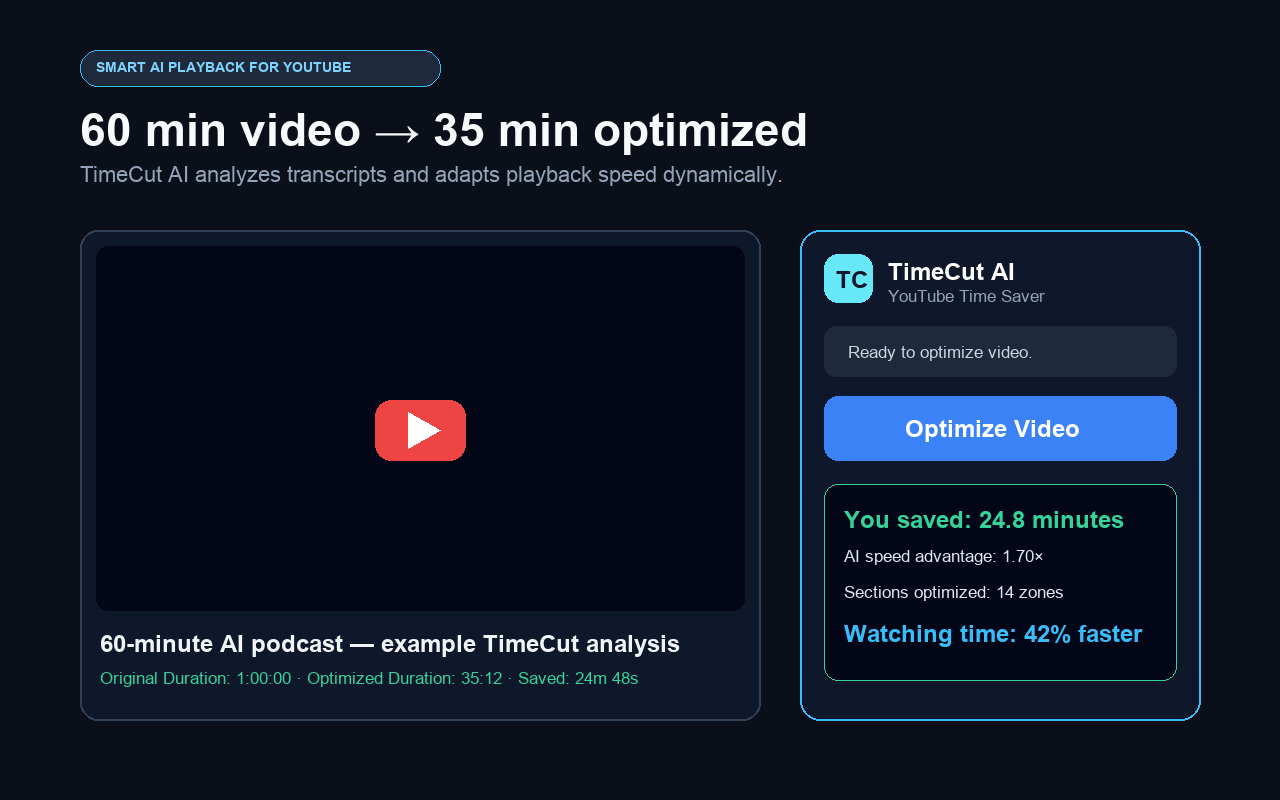
Open a normal YouTube video, make the transcript available and select Optimize Video. TimeCut requests a speed map, validates every segment and applies the rates directly to the player. You can pause, seek or stop whenever you want.
A realistic usage example
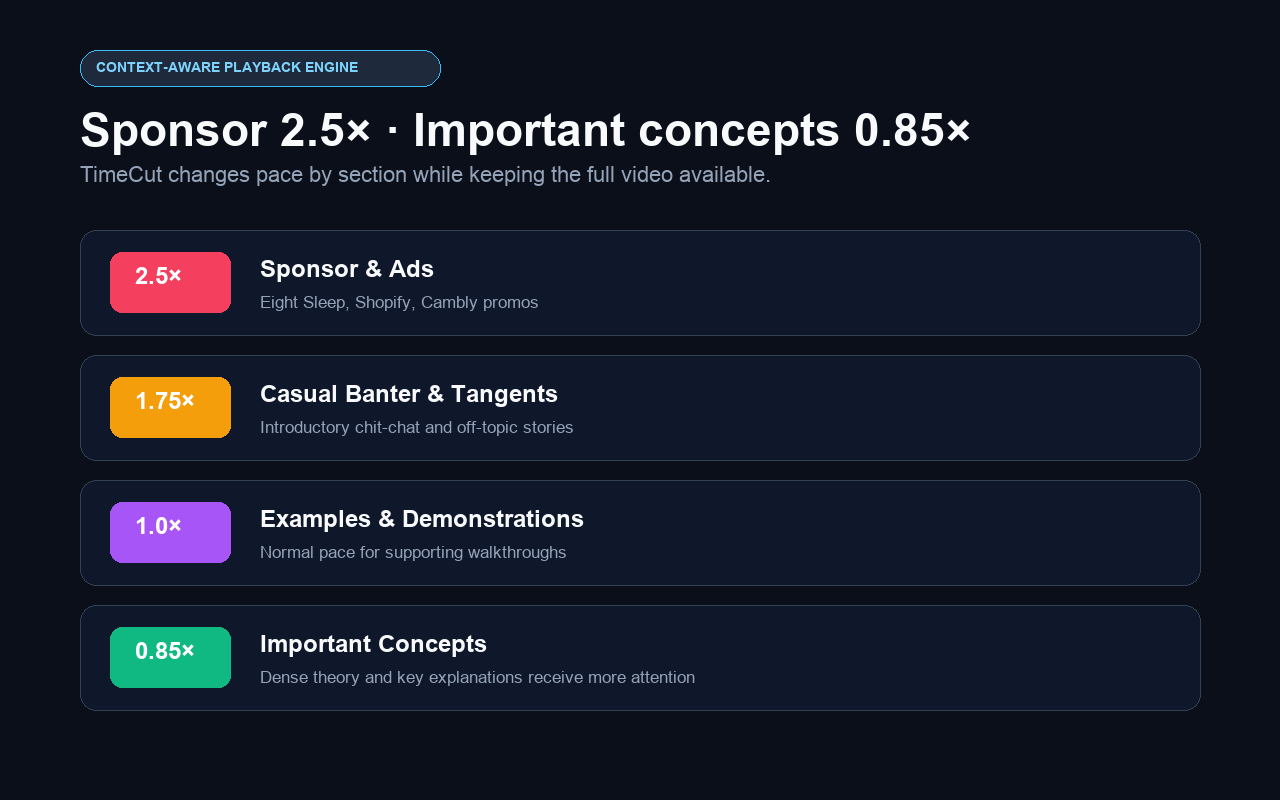
An illustrative podcast map may run sponsors at 2.5×, casual banter at 1.75× and core discussion between 0.85× and 1×. Results vary by episode.
Common questions
Does TimeCut work with long podcast episodes?
It is designed for normal YouTube watch pages with an available timestamped transcript.
Will voices sound too fast?
Only segments assigned a faster rate are accelerated. Important or dense sections can remain normal or slower.
Can I pause and resume?
Yes. Pause and play keep optimization active and resynchronize the current segment.